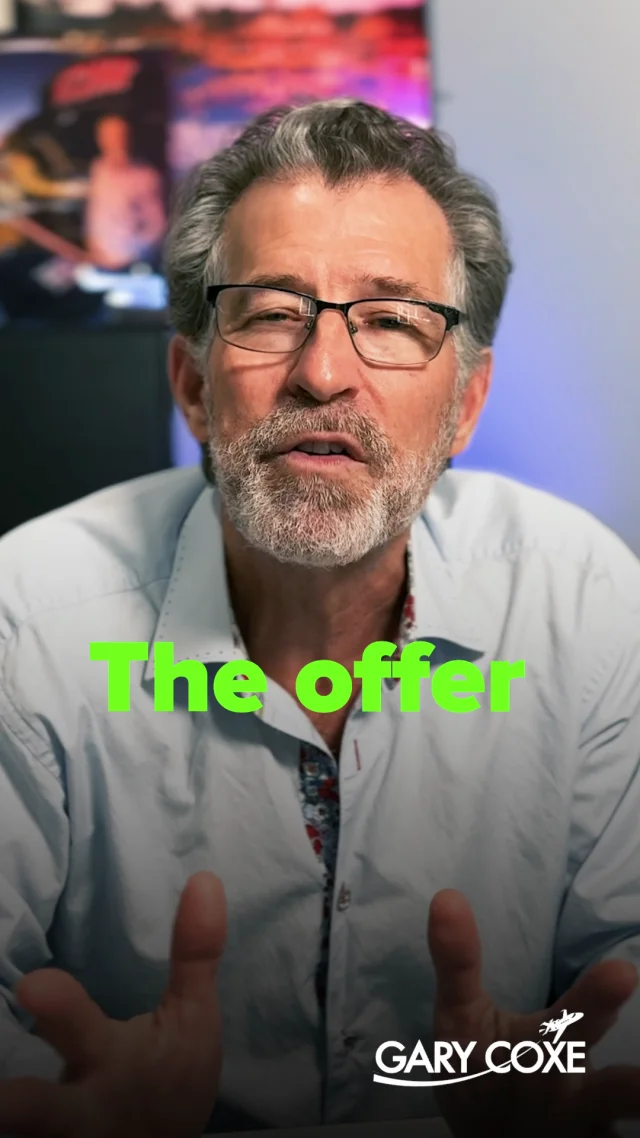
Predicting profitable growthShort-form video
Turn your video brief into a clear story. Explore our short-form editing and social ad portfolio, then let’s talk about the footage, style, and deliverables your project needs.
Selected short-form videos from the Kiani motions portfolio. Videos play muted. Hover for sound, or tap the sound button.
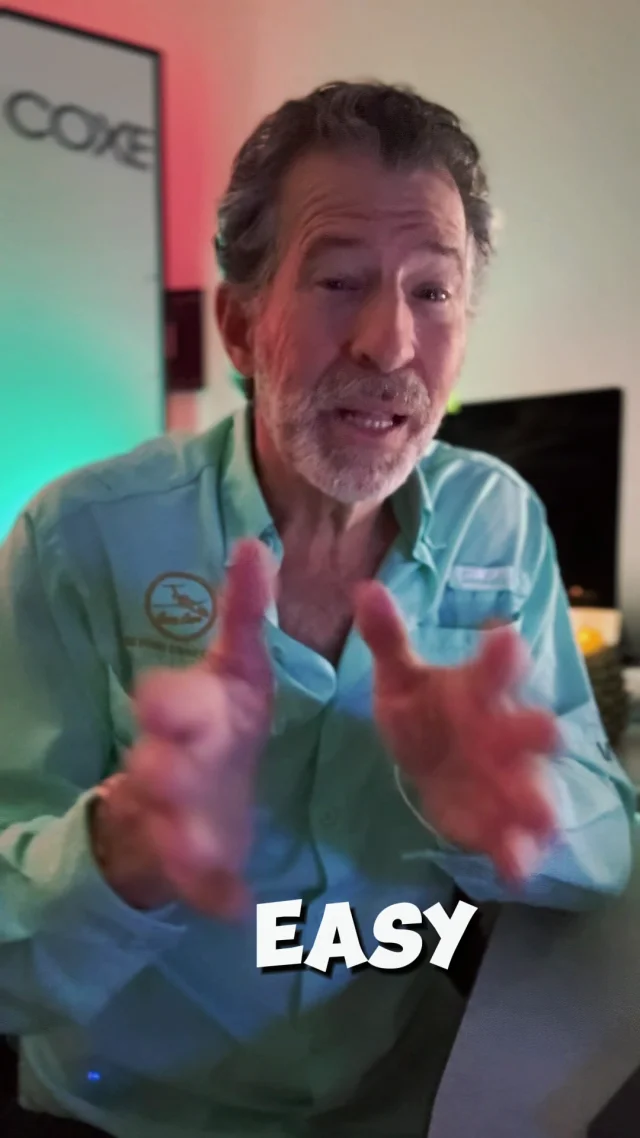
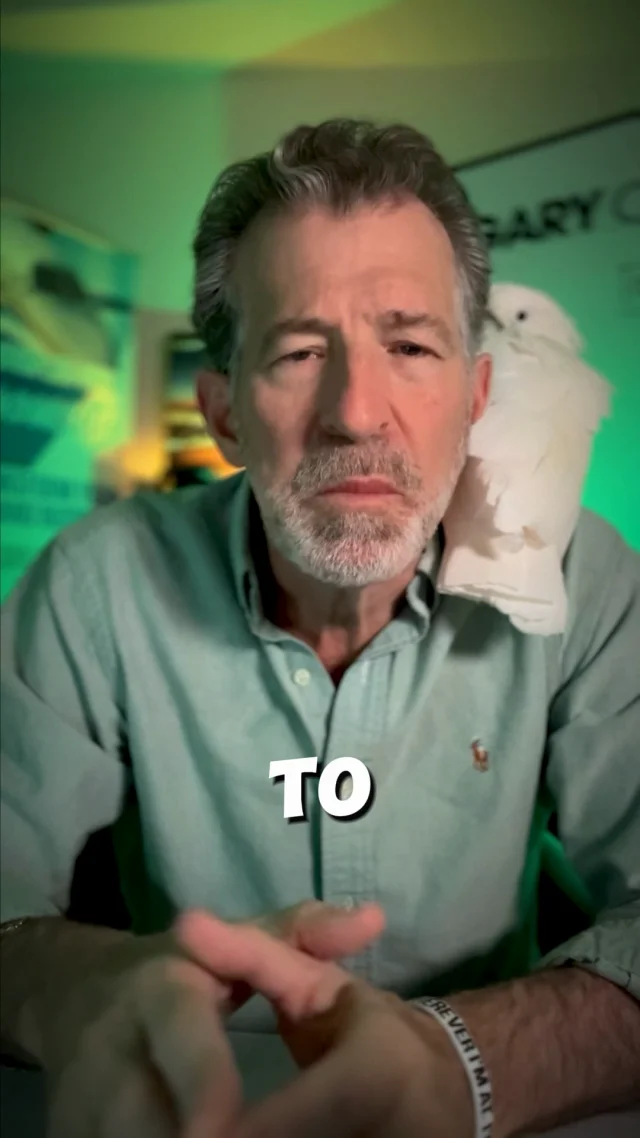

Video creative for the social feed, selected from our existing portfolio.
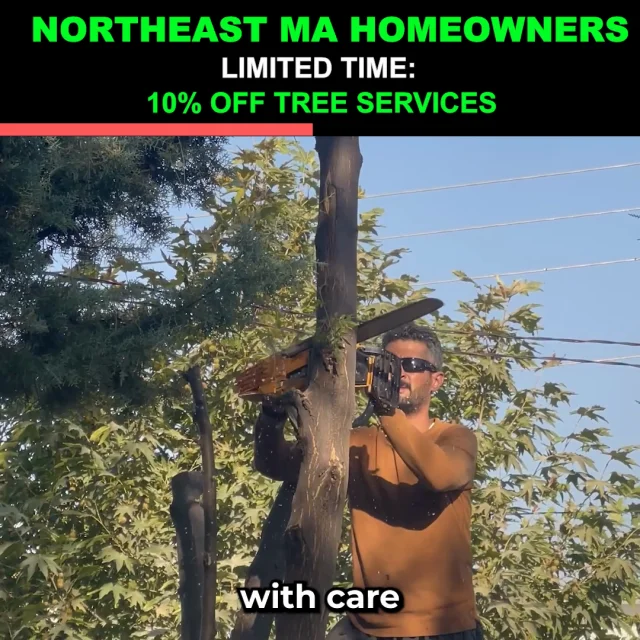



Start with the result you want: a concise Reel, a talking-head clip, or a social video ad that explains your message clearly.
A useful video editing brief brings together your audience, footage, and intended platform. For Instagram Reels, YouTube Shorts, or other vertical formats, consider what viewers need to understand in the opening seconds and which parts of the story deserve more time.
Editing choices should support that message. Readable captions make spoken ideas easier to follow. Carefully placed cuts remove repetition, while supporting footage gives context. Music, voice levels, and transitions should work together without distracting from the story.
If you need an editable CapCut project as well as finished video exports, mention that at the start. Software requirements, source files, captions, aspect ratios, and revision scope should be agreed before editing begins. These portfolio examples show our video work; they do not identify the software used for each piece.
Explore our creative services or digital marketing service for the wider campaign context. You can also meet Kiani motions before discussing your next project.
Share your audience, goal, footage, style references, and any CapCut project requirements.
Discuss pacing, captions, supporting visuals, sound, and the versions needed for each placement.
Confirm export formats, revision expectations, and whether an editable project is part of the scope.
Yes, include that requirement in your inquiry. The software workflow and editable project delivery need to be confirmed as part of your brief, alongside the finished video exports.
Prepare your footage, script or key message, logo and brand references, preferred video length, target platforms, and examples of the editing style you like. Mention any music or visual assets you intend to provide.
Play the examples above, or browse the short-form videos and Meta ad portfolio for more work.
Book a call with your footage length, number of videos, preferred deadline, and delivery requirements. These details help define the project scope before pricing and timing are agreed.
Bring your footage, your idea, or your next campaign brief. Let’s discuss the edit it needs.
Book a call ↗